
How Edges Affect Execution
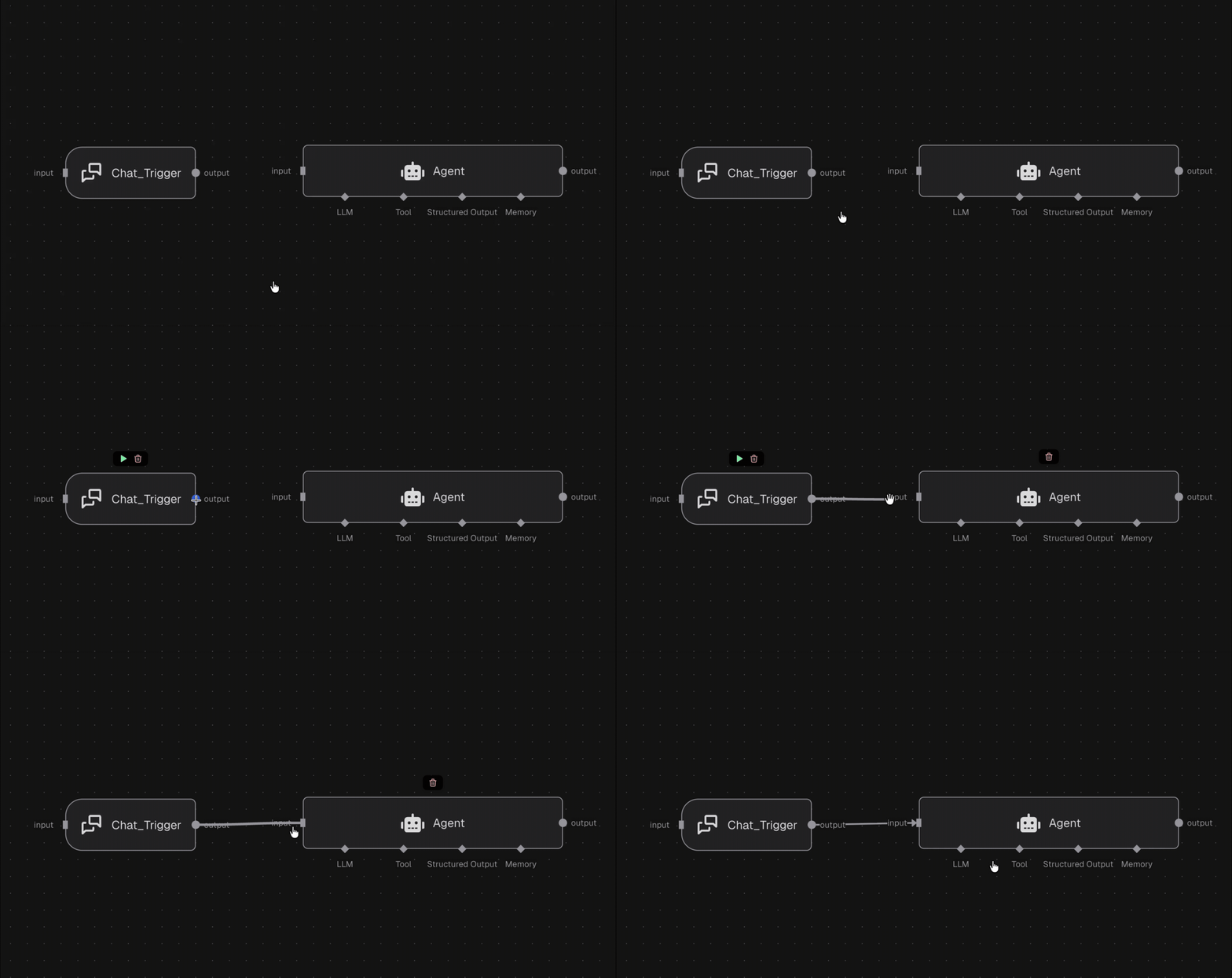
- Data flow: Outputs from an upstream node become inputs for downstream nodes.
- Scheduling: As soon as required inputs are available, the next node is eligible to run.
- Most nodes wait for inputs to be available on all input ports before running and run on one input item per port at a time.
- Others (like the Merge node) run on all available input items at once.
Edge Types (What You’re Connecting)
- Input edges: Connect output → input. These drive the main flow of data and execution.
- Config edges: Connect config nodes → config ports. These provide static configuration and run before the main node executes.
Quick Tips
- You can fan out one output to multiple inputs to branch execution.
- You can fan in multiple outputs to a single node, as long as it receives the inputs it expects.